Nexus PDF
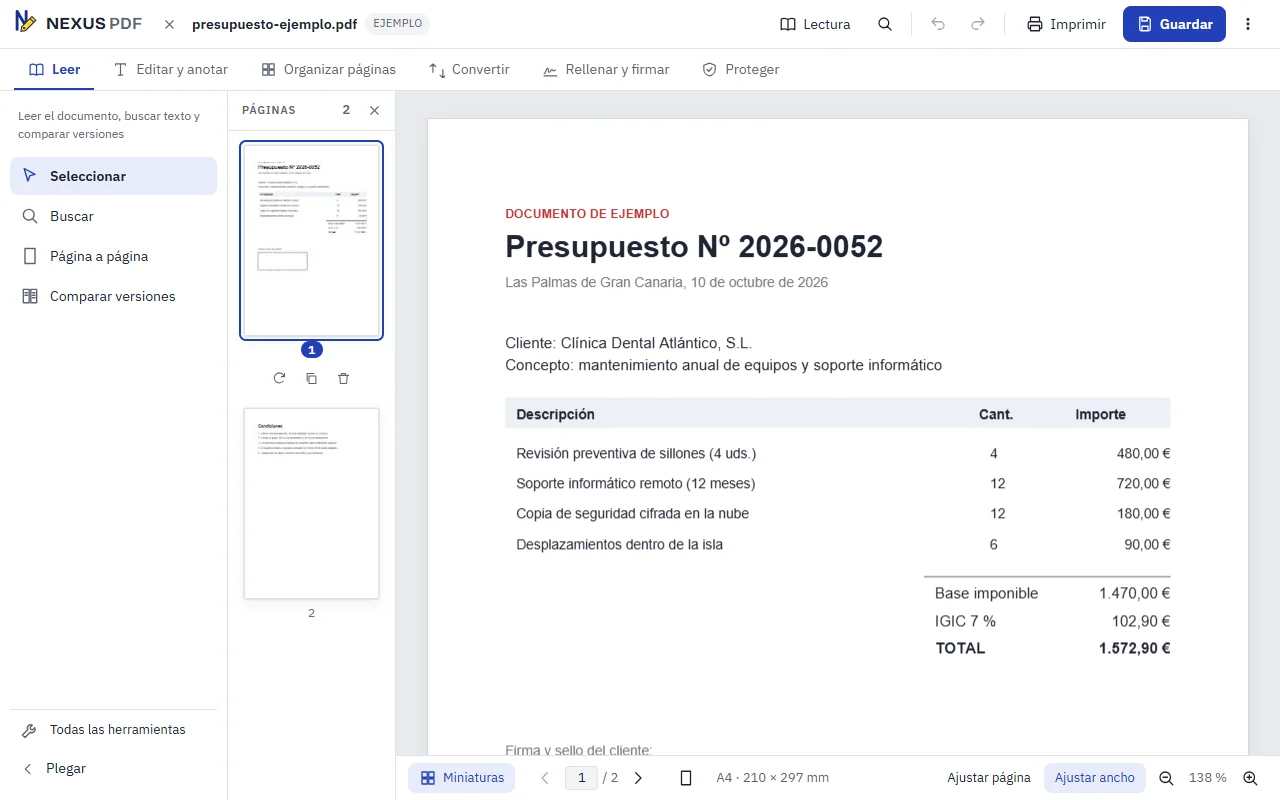
An application to edit, sign by hand and organise PDF documents. Documents are processed on your device: they are never uploaded to a server.
Who it is for
For people who work with PDFs every day
Law firms, advisers, property managers, clinics and offices that receive, review, sign and send PDF documents and would rather not upload them to an online service to do so.
It works on Windows computers and Android phones, with an interface adapted to each.
What it can do today
Features of the test version
- Edit the text of the PDF itself and add new text.
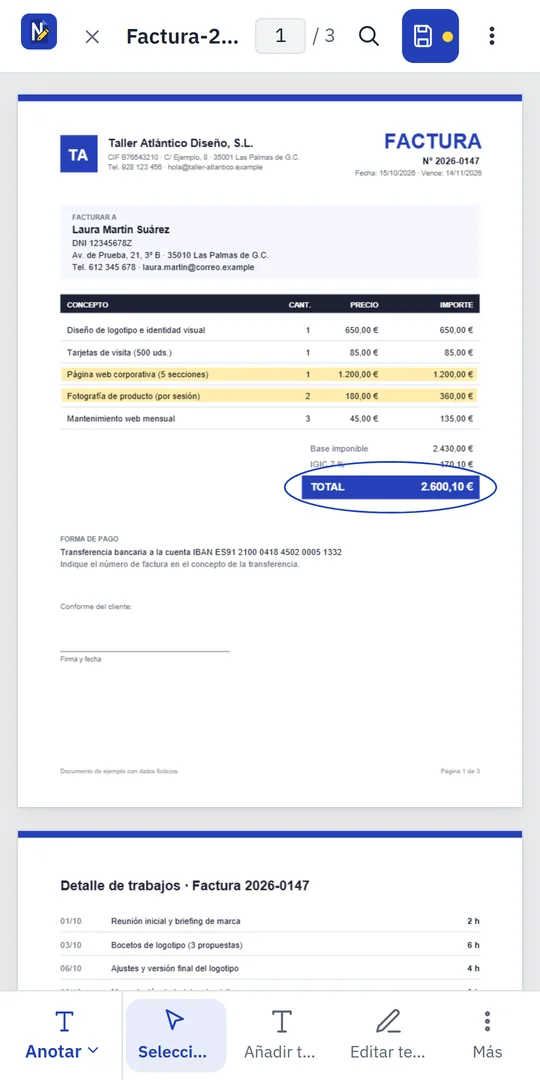
- Annotate: highlight, cover, draw freehand and insert images.
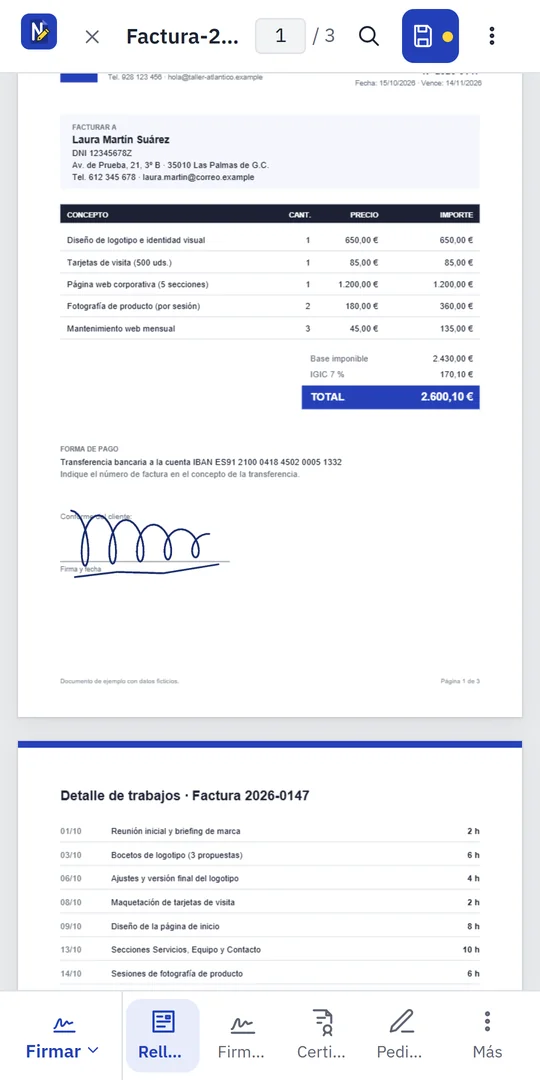
- Sign by hand with your finger, mouse or a stylus.
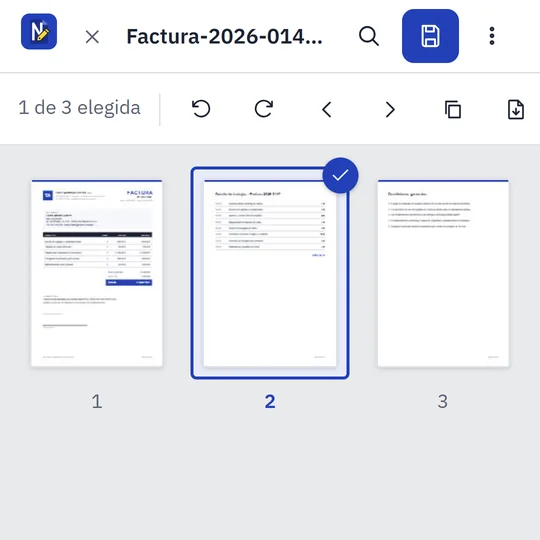
- Organise pages: reorder, rotate, duplicate, delete, merge several PDFs and extract pages.
- Fill in forms without the PDF losing its fillable fields.
- Search the document, including scans after text recognition.
- Redact data so it cannot be recovered from the file.
- Print with all changes.
Nexus PDF is in testing and cannot be downloaded publicly yet. The list covers features already tested on Windows and Android; it may change before the final version. If the app crashes, it sends a technical report with nothing from your documents (it can be turned off; details in the privacy policy).
What you can see
Screenshots of the Android version
Real screenshots taken with a sample invoice containing fictitious data.
Interested in Nexus PDF?
Write to us if you would like to see it working or if you need a document tool tailored to your company.